VIN Lookup
Overview
The VIN Lookup feature lets you decode any 17-character Vehicle Identification Number to automatically fill in vehicle details on a job. Instead of manually typing year, make, model, and other vehicle information, simply enter or scan the VIN and let the system do the rest.
How to Use
Type the VIN
- Open a job.
- In the vehicle information section, find the VIN field.
- Enter the 17-character VIN.
- Click the "Lookup" button (or the search icon next to the VIN field).
- The system decodes the VIN and auto-fills the vehicle details.
- Review the populated fields and save.
Scan the VIN Barcode
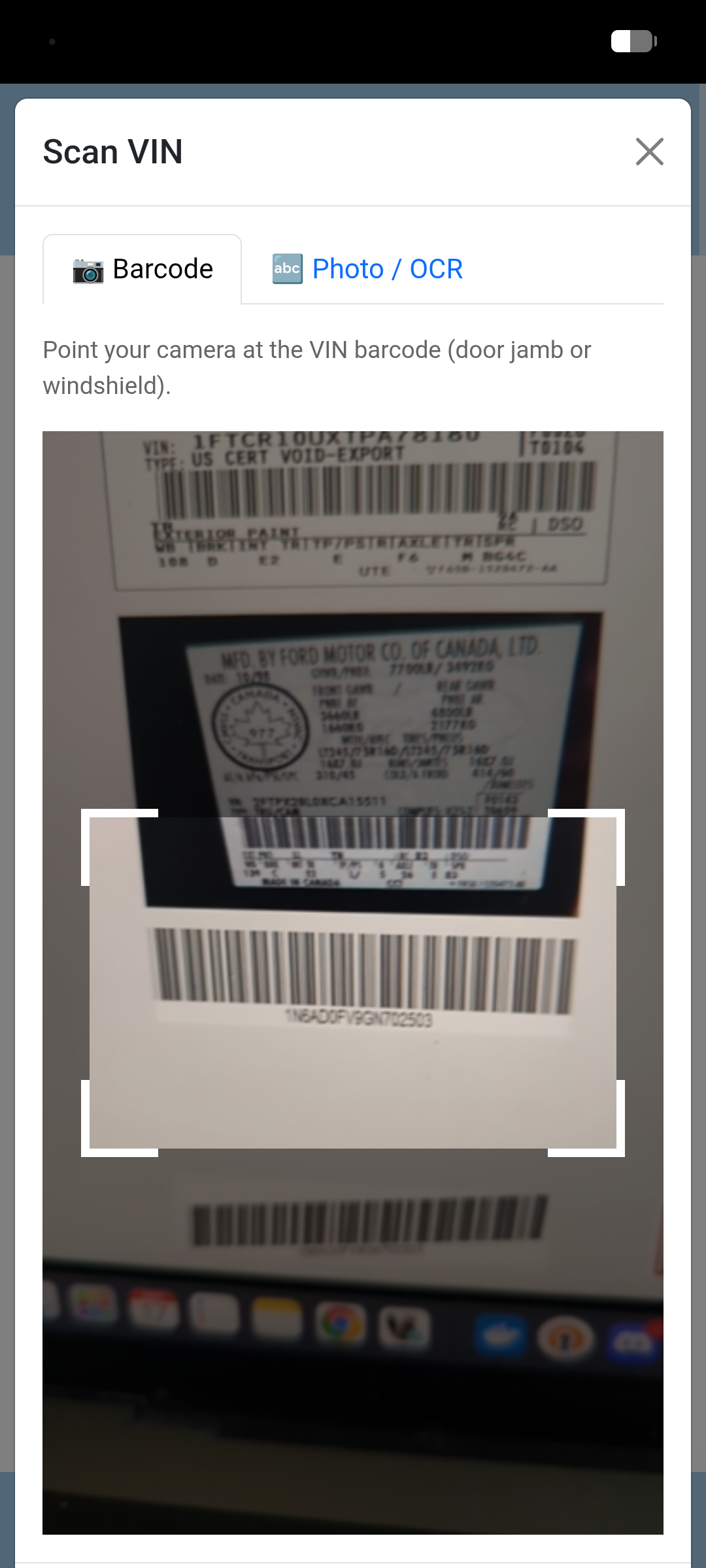
You can also scan the VIN barcode directly using your device's camera — no typing required.
- Open a job and click the "Scan VIN" button next to the VIN field.
- Select the Barcode tab.
- Point your camera at the VIN barcode (typically found on the door jamb or lower windshield).
- The system automatically detects and reads the barcode.
- Once detected, click "Use VIN" to populate the field.
Take a Photo of the VIN
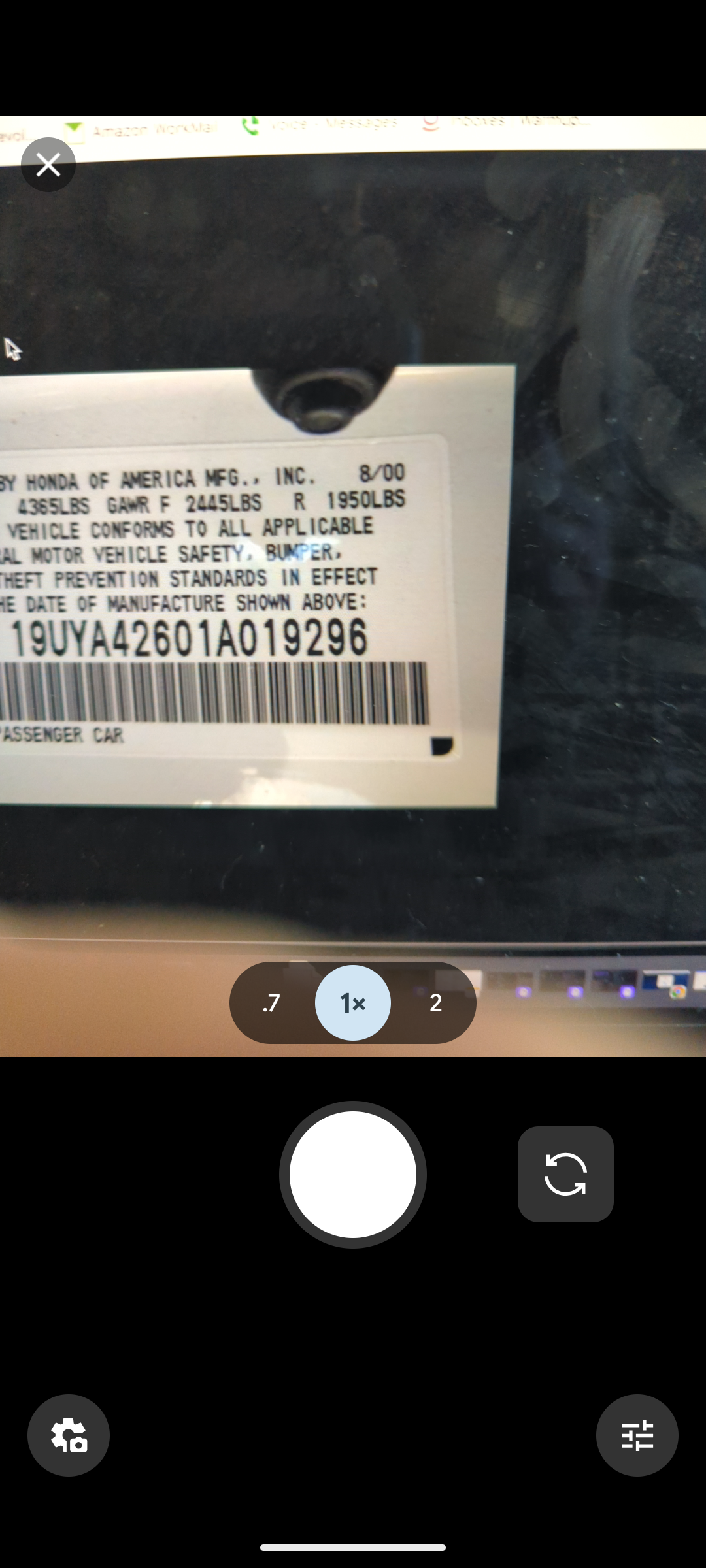
If the barcode is damaged or unavailable, you can take a photo of the printed VIN text instead.
- Open a job and click the "Scan VIN" button.
- Select the Photo / OCR tab.
- Take a photo of the VIN plate or printed VIN text using your camera, or choose an existing image.
- The system uses OCR to extract the VIN from the image.
- Once detected, click "Use VIN" to populate the field.
Decoded Fields
A successful VIN decode can populate the following fields:
General
- Year — Model year of the vehicle
- Make — Manufacturer (e.g., Toyota, Ford)
- Model — Model name (e.g., Camry, F-150)
- Series — Vehicle series or sub-model
- Trim — Trim level (e.g., SE, Limited)
- Body Class — Body style (e.g., Sedan, SUV, Pickup)
- Vehicle Type — General vehicle classification
- Doors — Number of doors
- Drive Type — Drivetrain (e.g., AWD, FWD, RWD)
- GVWR — Gross Vehicle Weight Rating
Engine
- Cylinders — Number of engine cylinders
- Displacement (L) — Engine displacement in liters
- Engine Model — Specific engine model name
- Fuel Type — Fuel type (e.g., Gasoline, Diesel, Electric)
- Engine Configuration — Layout (e.g., Inline, V-type)
- Horsepower — Engine horsepower
Note: Not all fields may be available for every VIN. The system will fill in whatever data is returned from the decode.